The DTCG Token Format Explained
DTCG is the JSON interchange format for design tokens defined by the
Design Tokens Community Group. Every token is an object carrying a
$value and a $type; nesting creates groups; strings like
{color.brand.600} reference other tokens; and composite types bundle
related properties — a typography token carries family, size, weight and
line height as one value. A file in this format reads the same to any
tool that supports it, which is the format’s reason to exist.
This article walks the anatomy on real examples, names the types worth knowing, and then goes past the spec minimum: what a full generated tokens file actually contains, and the discipline that keeps a file healthy when tools and humans both edit it. It is the format chapter of our design tokens guide.
What does a DTCG file look like?
A trimmed but structurally faithful example:
{
  "color": {
    "$description": "Palette generated from one blue seed.",
    "brand": {
      "600": {
        "$value": "#2563eb",
        "$type": "color",
        "$description": "Core brand step — oklch(0.546 0.215 262.9)"
      }
    }
  },
  "semantic": {
    "accent": { "$value": "{color.brand.600}", "$type": "color" }
  },
  "type": {
    "body-md": {
      "$type": "typography",
      "$value": {
        "fontFamily": "Inter",
        "fontSize": "16px",
        "fontWeight": 400,
        "lineHeight": "24px"
      }
    }
  }
}
Five mechanics carry most of the format:
$value— what the token stores. The one required property.$type— how to interpret the value: is"16px"a dimension or a string? The type answers questions the raw JSON cannot.- Groups by nesting. Plain objects group tokens, and
the path becomes the name:
color.brand.600. Groups may carry a$typethat their tokens inherit, which is why real files often set it once per section. $description— documentation that travels with the token, into generated docs and exports, instead of living in a wiki that drifts.- References. A
$valueof"{color.brand.600}"makes one token an alias of another — the mechanism the semantic layer is built from.
The remaining piece is $extensions: a namespaced bag for
tool-specific data, so a tool can annotate tokens without colliding with
the spec or with other tools.
Which token types matter in practice?
The primitive types you will actually meet: color, dimension (lengths
like 23px or 1.5rem), fontFamily, fontWeight, number and
duration. On top of these sit the composite types, where one token’s
value is an object of related sub-values: typography (the example
above), shadow (color, offsets, blur, spread), border and
transition.
Composites exist because some styles are only correct as a bundle. A
body-md that carried a size but not its line height would leave half the
style to whatever the context happens to inherit; the composite makes the
bundle the unit of reuse. In volume terms, most files are dominated by
color and dimension tokens, with a handful of composites doing the
typographic heavy lifting.
Why does a standard format matter?
Because of the interchange problem. Before a shared format, design tools and build pipelines each invented their own JSON dialect, and moving tokens between any two of them meant an adapter — with N tools, that approaches N² adapters, each one a place for values to be mistranslated. A standard collapses the adapters: write the file once, and any conforming tool can consume it.
The status deserves stating honestly: the DTCG format specification is a draft from a W3C community group, not yet a finished standard. Tooling has largely converged on it ahead of formal standardization — a common pattern for formats that solve an acute problem — but details can still shift, which is why this article is flagged as one to re-check over time.
What does a real generated tokens file contain?
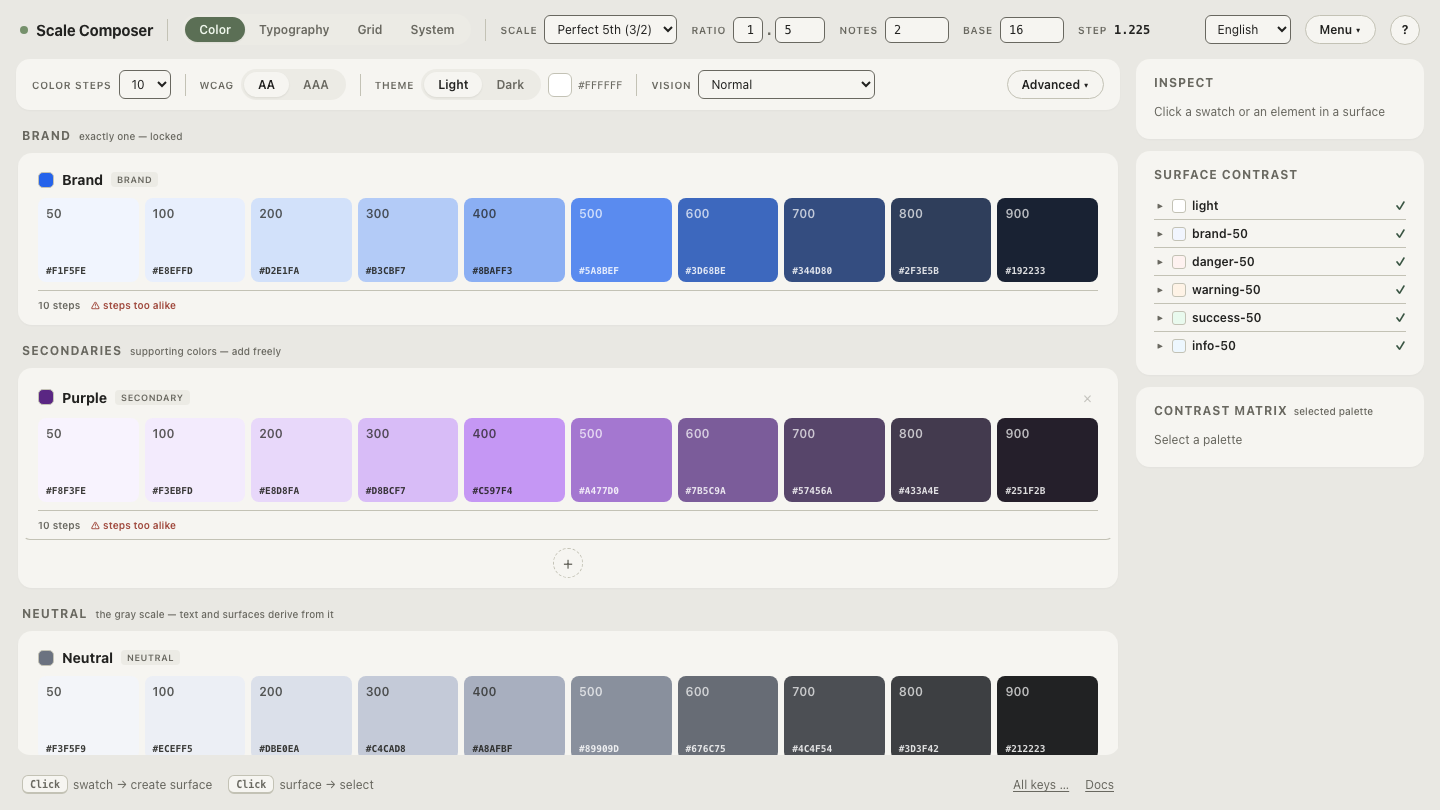
Spec examples are deliberately minimal — three tokens and a group. A file that describes an actual design system is a different reading experience, and its section order tells you the system’s architecture. Scale Composer’s export is the worked example here; from top to bottom it carries:
$description— one line saying what the file is and where it came from.meta— file-level facts, including the unit the system is expressed in (px or rem).scale— the three shared parameters (base, ratio, notes per interval) that type and spacing both derive from.- System anchors — the small set of fixed values the rest of the system is pinned to.
color— the generated ramps, hex alongside OKLCH.spacing— the named steps.typography— the composite role set, caption through display.semanticandsemantic-dark— the role-to-value mappings, one per theme, both generated from the same seeds.layout— breakpoints and container widths.$metadata— bookkeeping at the tail.
Read in order, that is: parameters first, then raw material, then meaning, then meaning per theme, then page-level structure. A reader who knows the section order can answer “where would X live?” without searching. Open a generated file in Scale Composer’s export view — the sections in exactly this order, with the values live: change a scale parameter and watch the derived sections re-generate.
What happens when tools and humans edit the same file?
This is the format question the spec cannot answer for you, because it is
about workflow. A tokens file in real use has two kinds of author: a
generator that owns the sections it derives, and humans who add what the
generator knows nothing about — a component group, project-specific
$extensions, an extra ramp imported from elsewhere.
The rule that keeps this safe: a tool should preserve what it doesn’t own. When a generator rewrites a file, sections it did not create must come through untouched. Scale Composer’s import path holds this as a tested property — load an existing DTCG file, adjust, re-export, and the round-trip leaves the sections it doesn’t generate intact; saving, loading and saving again produces the same file. The consequence is practical rather than theoretical: your hand-added sections survive regeneration, so adopting a generator doesn’t mean surrendering the whole file to it. Without the rule, the first regeneration silently deletes work — and silent deletion in a file this central is expensive to notice late.
Read your own export
Formats stop being intimidating the first time you read a file you own.
Load an existing DTCG file into Scale Composer — or export a fresh one —
walk the sections against the list above, find where $type is inherited
from a group, follow one {reference} to its target, then re-export and
diff: the sections you didn’t touch come back unchanged.